How to Convert Images to PDF Quickly
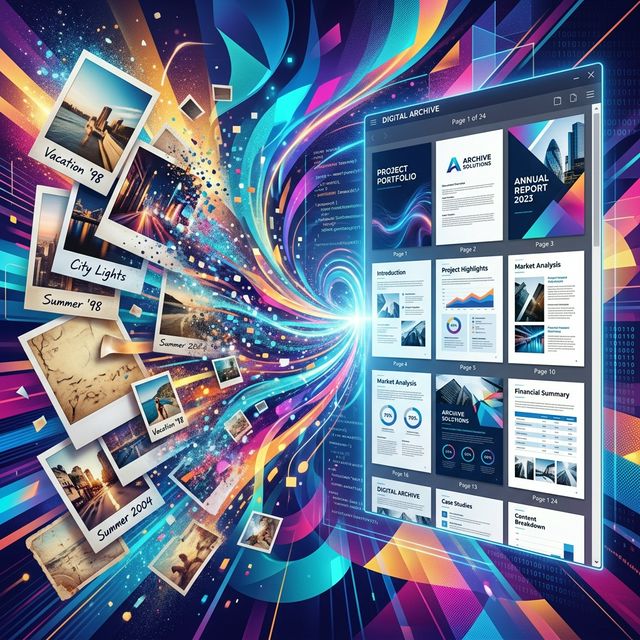
Whether you're snapping twelve photos of your physical tax receipts for an accountant or submitting hand-drawn wireframes to a client, attaching multiple loose image files to an email is a terrible workflow. Half the images might fail to send, the recipient has to click uncomfortably through them one by one, and they may render in the wrong order depending on their mail client.
Putting all your photos into a single, paginated, and locked-down PDF is the professional standard. Here is how to do it absolutely as fast as humanly possible.
Method 1: The Native Drag-and-Drop Web Tool (The Fastest Way)
Forget opening Microsoft Word, pasting the photo on the page, resizing it to fit the margins, hitting 'enter' for a new page, and repeating the dreadful process. Online tools were explicitly built to bypass that misery.
- Launch an Image to PDF Converter in a Chrome tab.
- Select all 12 of your JPG or PNG files on your desktop and drag them straight onto the web page.
- The tool instantly builds visual thumbnails of your files. Simply click and drag them to ensure Receipt #1 comes before Receipt #2.
- Click the "Convert to PDF" button. Everything is compiled instantly.
This method strips out the hours of formatting frustration, handling margins and alignments automatically on the server side.
Method 2: Mac Users - The Magic of Preview
If you work explicitly on an Apple environment and are completely offline, the built-in "Preview" application has a highly underrated feature built in.
- Highlight all your images, right-click, and select "Open With > Preview".
- Click View > Thumbnails so the sidebar opens.
- Drag the thumbnails around to structure the order of the document.
- Select "File > Print", and in the bottom left dropdown menu, select "Save as PDF".
While native tools are great for offline work, they do not automatically compress the images as efficiently as web tools do.
A Crucial Warning on Size: When you bind five 5MB iPhone photos into a PDF, your final PDF is going to be 25 Megabytes! This will instantly crash most company email servers. ALWAYS ensure your web tool has an auto-compression option enabled before you generate the final PDF.
Try the Fastest Converter Online
Combine up to dozens of different images into a single professional PDF securely, quickly, and entirely for free.
Convert Images Instantly