WebP vs JPG vs PNG: Which is Better?
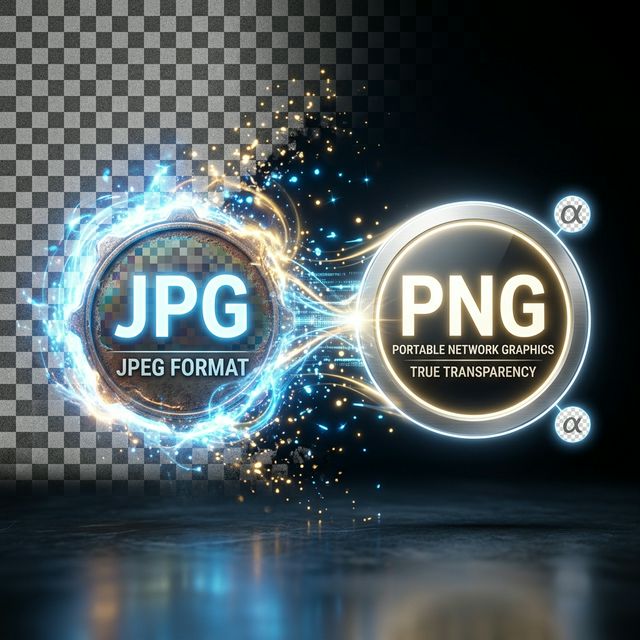
You have a gorgeous new website, but you are stuck on the export screen. Which format do you choose? For decades, the internet relied on a simple binary rule: use JPG for regular photographs, and use PNG if you need a transparent background. But the modern landscape is much more complicated thanks to the rise of WebP.
Choosing the wrong format isn't just about minor quality differences; it directly impacts how fast your website loads, how much server storage you burn through, and how highly Google ranks your content.
The Classic: JPG (JPEG)
The Joint Photographic Experts Group created this format way back in 1992. It reigns supreme for a very good reason: universal compatibility.
- Pros: Literally every device, browser, and software on planet Earth opens JPGs natively. It captures millions of blending colors smoothly.
- Cons: It relies entirely on lossy compression. Every time you open, edit, and save a JPG, it loses microscopic amounts of detail. Most critically, JPG absolutely cannot handle transparent backgrounds. If you crop a logo, the empty space will be saved as a solid white box.
The Designer's Choice: PNG
Portable Network Graphics were introduced as the lossless alternative to earlier, clunky formats like GIF.
- Pros: A PNG never natively loses quality when saved. It supports beautiful, dynamic "Alpha Channels"—meaning the background behind your subject can be entirely invisible. This is why every single logo you download from a brand kit is a PNG.
- Cons: The file sizes are monstrous compared to JPGs. If you save a full-screen, high-definition photograph from your DSLR camera as a PNG, you might end up with a terrifying 20MB or 30MB file.
The Next Generation: WebP
Created by Google in 2010 but only universally adopted by major browsers recently, WebP is the aggressively optimized future of the internet.
- Pros: WebP is magical because it supports both lossy and lossless compression, AND it supports transparency! A heavily compressed lossy WebP photograph is typically 25% to 35% smaller than the exact same image coded as a JPG, with zero visible loss in human-eye quality.
- Cons: Compatibility outside of web browsers is still catching up. If you download a WebP image and try to open it in an older version of Microsoft Paint or an outdated desktop editor, it might throw an error code.
The Verdict
If you are building a website, you should aggressively convert all your JPGs and PNGs to WebP. Your pages will load significantly faster, improving your SEO and bounce rate immediately.
If you are delivering final digital art to a client for print or archiving, use PNG or heavy-duty formats like TIFF.
Conversion Pro Tip: You don't need a bulky desktop application to test the power of WebP. You can reliably convert massive JPGs to tiny WebP files right here in your browser.
Optimize Your Format Now
Convert, compress, and perfect your images using our suite of 100% free graphical tools.
Access the Image Suite