How to Convert PDF to Word Easily
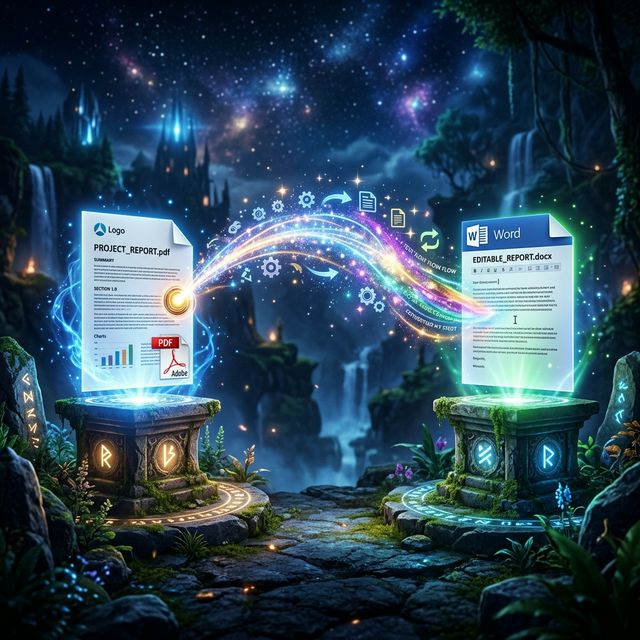
You received a finalized PDF document, but you've just spotted a crucial typo. Or perhaps a client sent over a template in PDF format, and you need to fill it out using Microsoft Word. Whatever your situation, turning an un-editable PDF into a clean, editable DOCX file is a skill everyone needs.
Why Copying and Pasting is a Bad Idea
If you've ever tried to highlight text in a PDF viewer, copy it, and paste it directly into Microsoft Word, you know the horror that ensues. Paragraphs break in weird places, bullet points disappear entirely, and tables turn into a chaotic jigsaw puzzle of floating text. This happens because PDFs don't "understand" layout structure the way Word does—they only plot characters onto fixed coordinates on a page.
The Effortless Solution: Online Converters
To preserve your margins, tables, bolded text, and images, the modern and smart approach is utilizing a dedicated PDF to Word converter tool.
- Find a fast, reliable converter online.
- Upload your PDF file. Advanced background algorithms will analyze the visual layout of your PDF and mathematically rebuild it using Word-compatible elements.
- Once processing is complete (usually taking just a few seconds), download the `.docx` file.
- Open the newly downloaded file in Microsoft Word or Google Docs and begin typing exactly as you would on a normal document.
Heads Up About Scanned PDFs: If your PDF is actually just a scanned picture of a physical piece of paper, standard converters will just paste the image into Word. To edit the text, you need a converter that explicitly mentions OCR (Optical Character Recognition) capabilities!
Always Proofread Your Converted Document!
No software is completely flawless. If your original PDF had incredibly complex, overlapping layers of graphics and text boxes (like a highly stylized brochure), the resulting Word document might have some misalignment. Standard essays, resumes, and simple invoices, however, typically convert with astonishing accuracy.
Discover Free Tools at Sortt.in
Whether you need to convert images, compress files, or merge PDFs together, we provide the tools to get things done simply and freely.
View All Tools